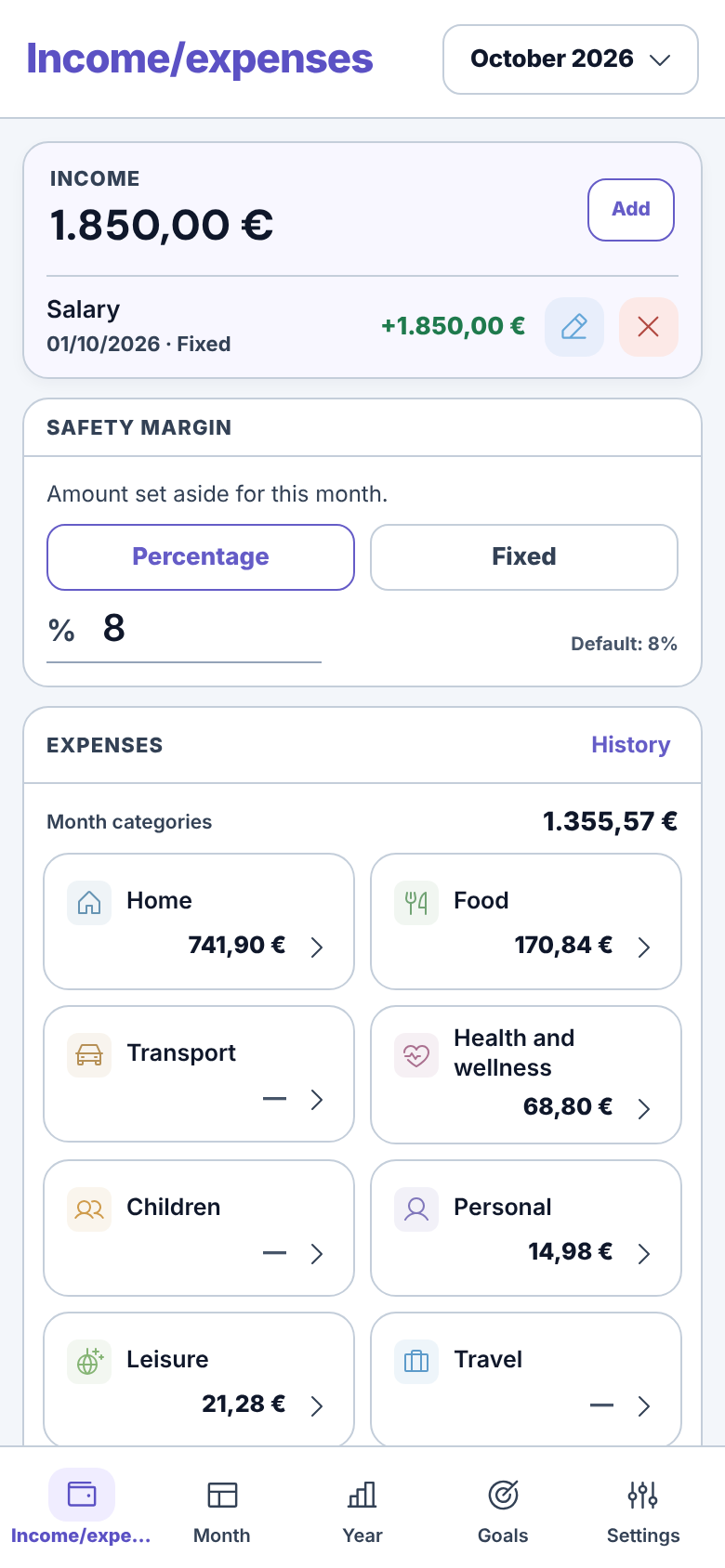
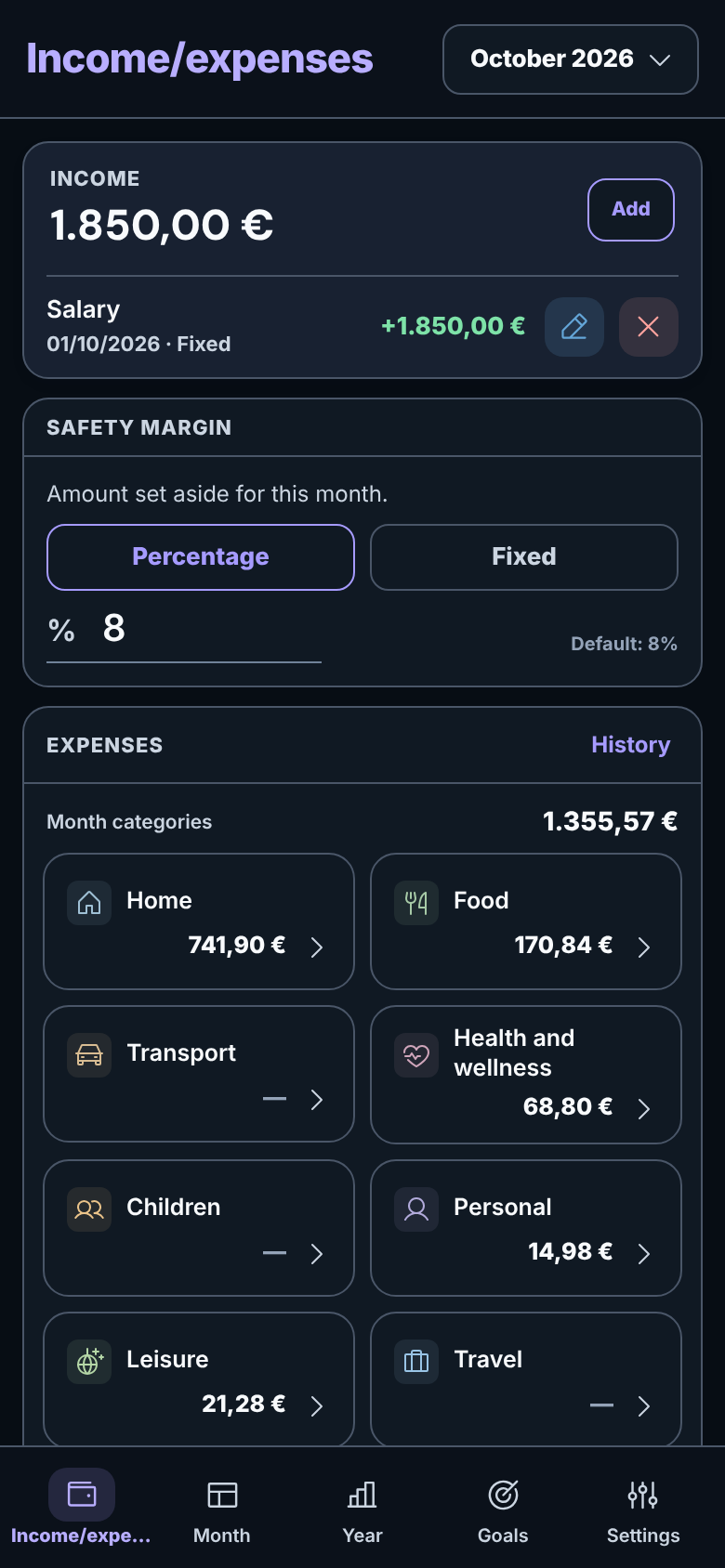
A place for every expense
Organise income and expenses by category. Enter fixed expenses once, and Bada! adds them to the months you choose.
 Bada!ai tuoi soldi
A personal budget app for Android
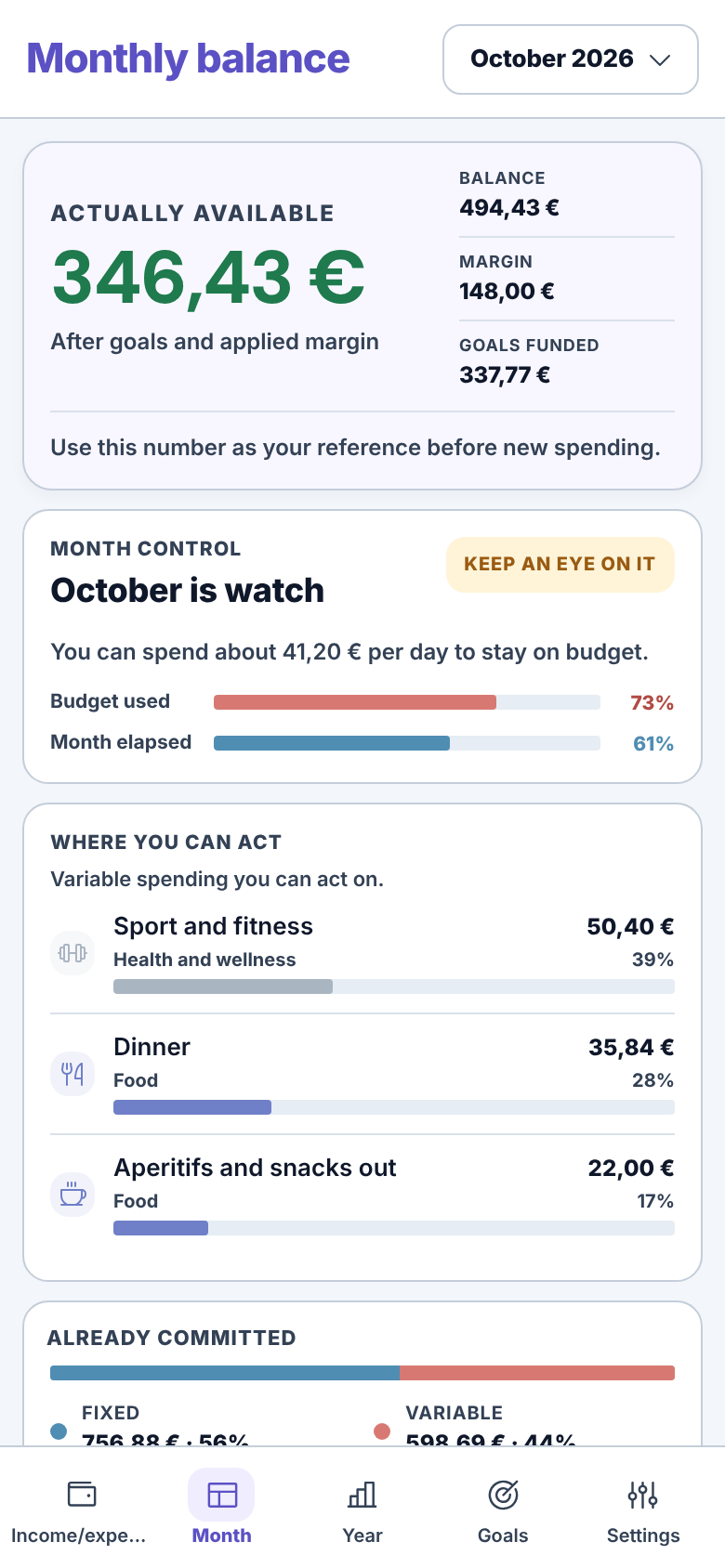
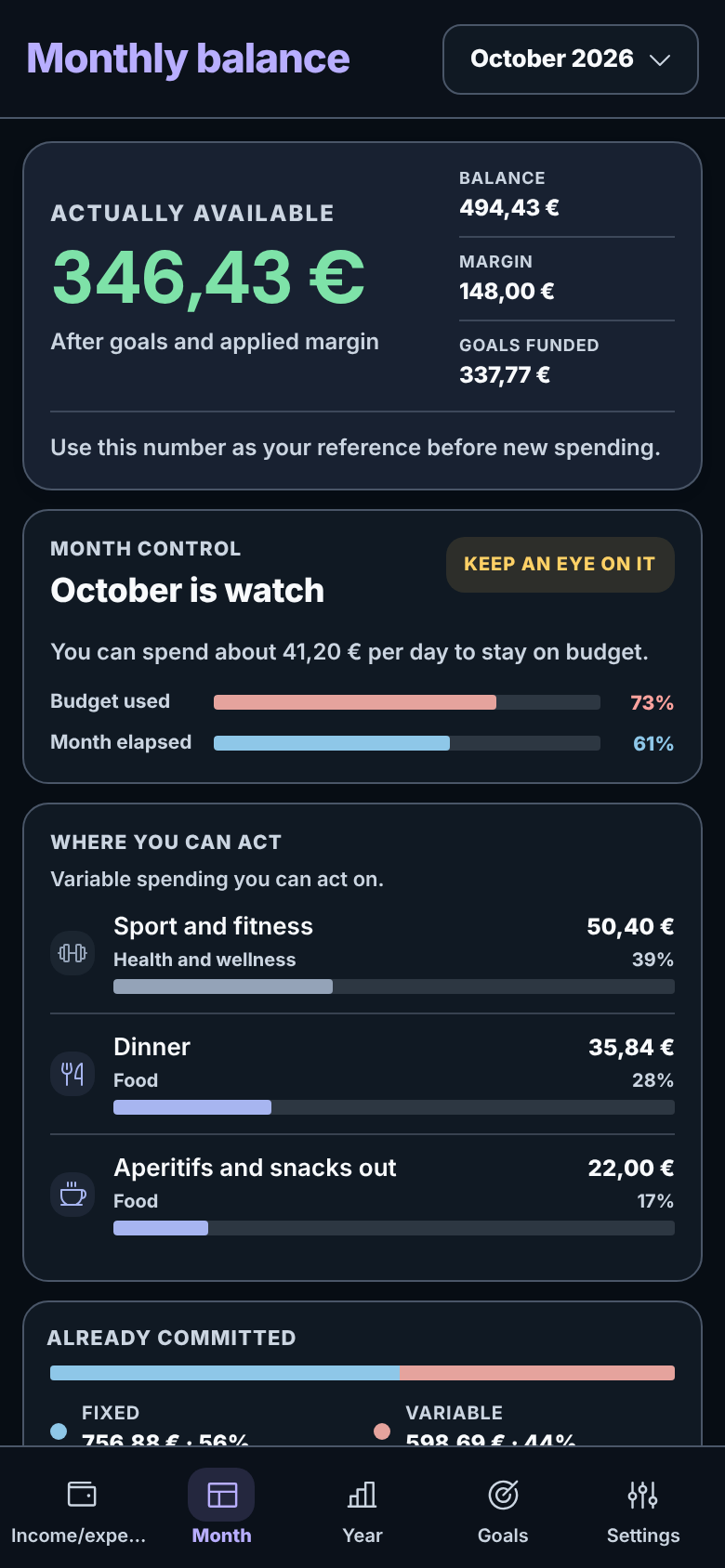
Record income and expenses. Bada! shows you one number: what you can still spend this month, after spending, savings goals and your safety margin.
Get it on Google PlayFree and ad-free. How to check
Before trusting it with your spending
An app that knows your spending, made by a developer you do not know: it makes sense to be cautious. Here is what you can check for yourself.
The Play listing’s permissions do not include full network access. Without that permission, the app cannot open network connections on its own.
Some permissions come from libraries included in the app: launcher badges, Firebase Messaging, and Play licensing or install attribution. Their presence is not the same as having Internet permission. Bada!’s reminder runs locally.
When you tap an external link, the app can open your browser. The browser then handles the connection.
Turn on aeroplane mode and record an expense: it works just the same.
For example, that a backup folder synced to a cloud service, or Android’s system backup, can take your data off the phone.
Read the privacy policyInside Bada!
Screenshots show the Italian interface; you pick English on first launch. Tap a screenshot to open it and zoom in using your browser.
Organise income and expenses by category. Enter fixed expenses once, and Bada! adds them to the months you choose.
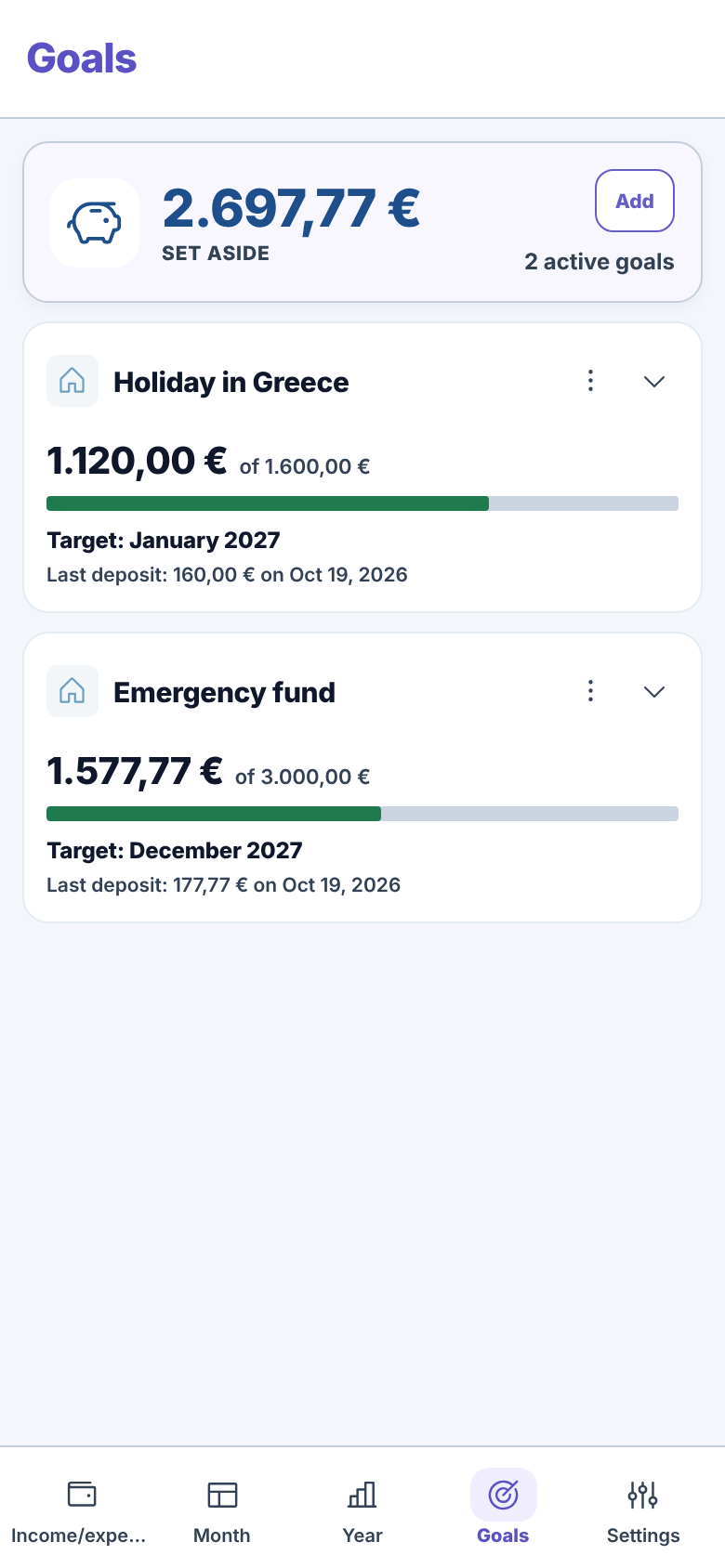
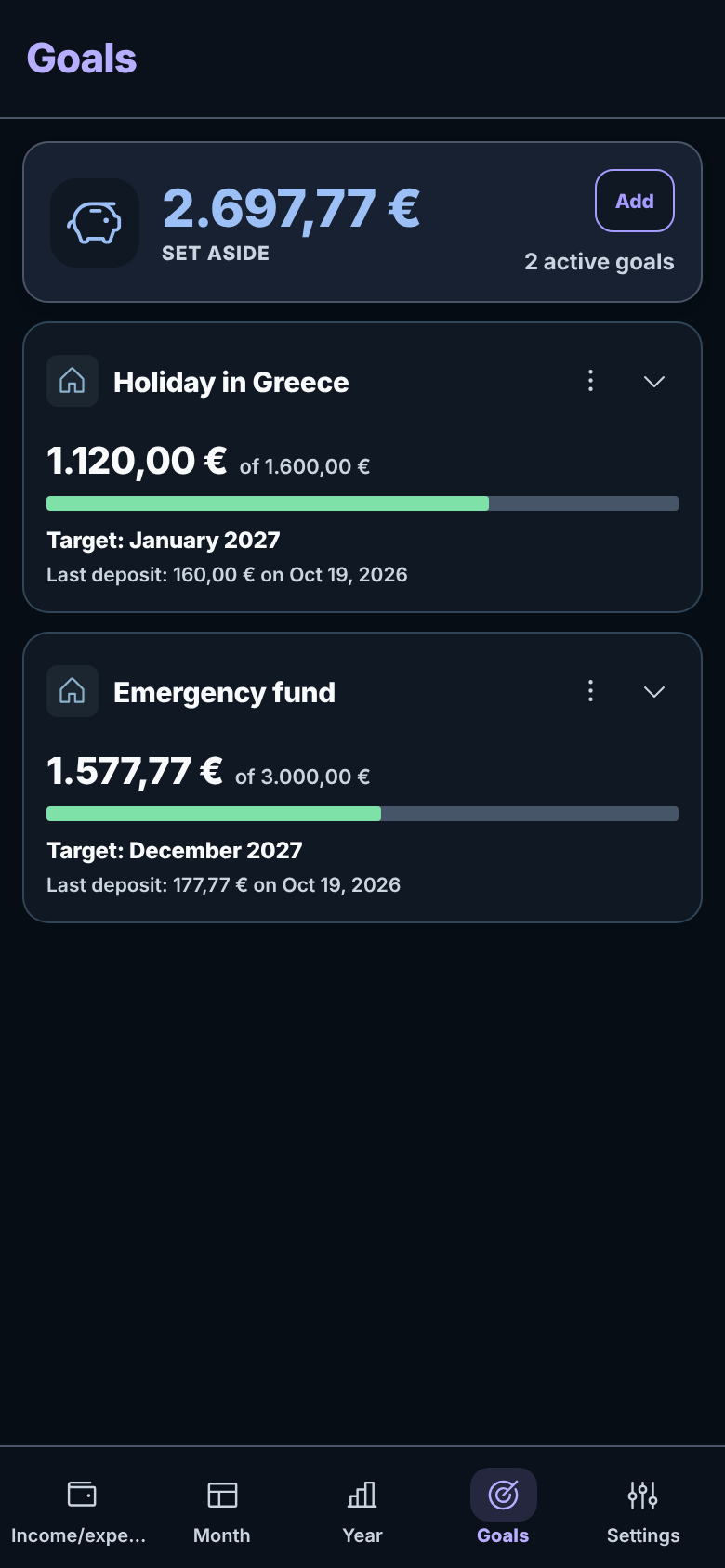
Set how much you need and by when. Bada! calculates this month’s contribution still to be paid and deducts it from what is available to spend.
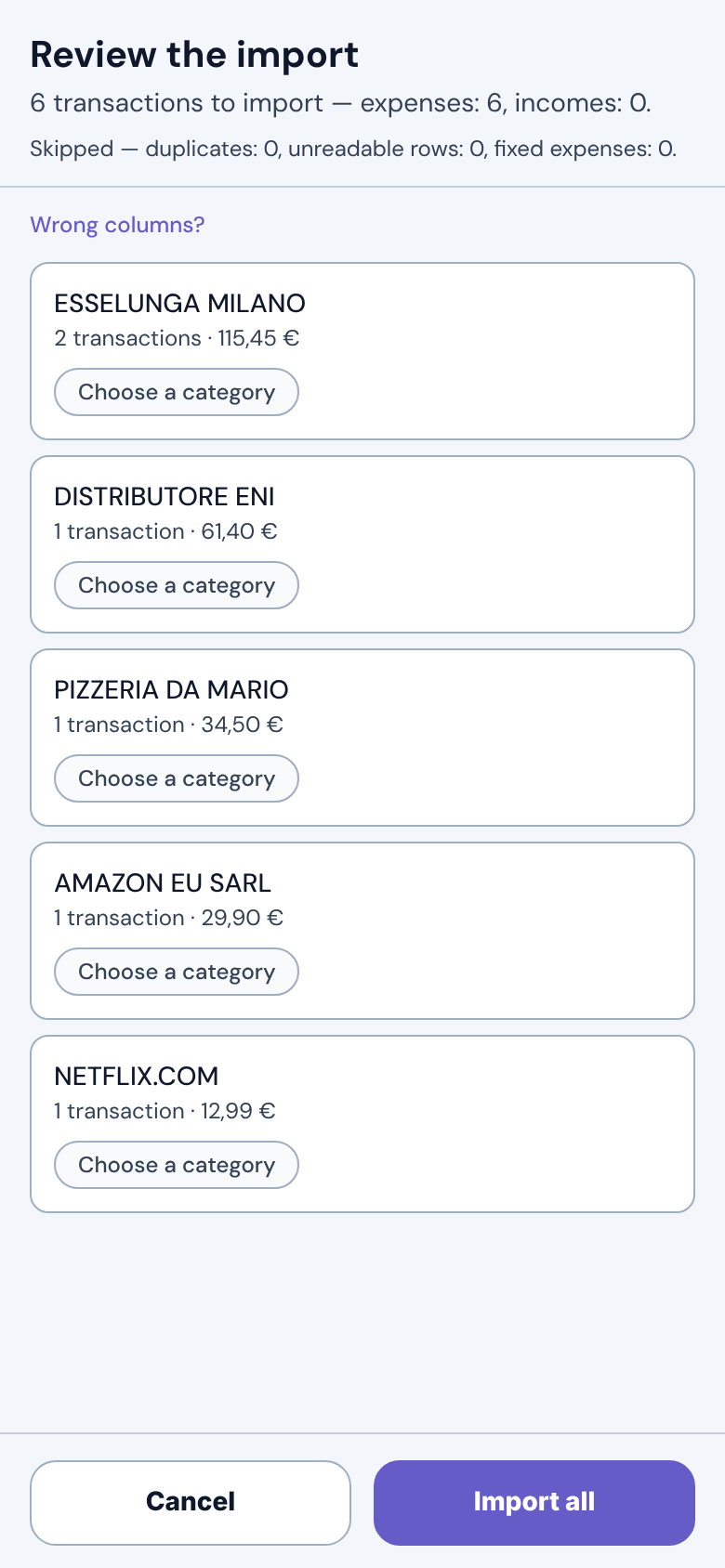
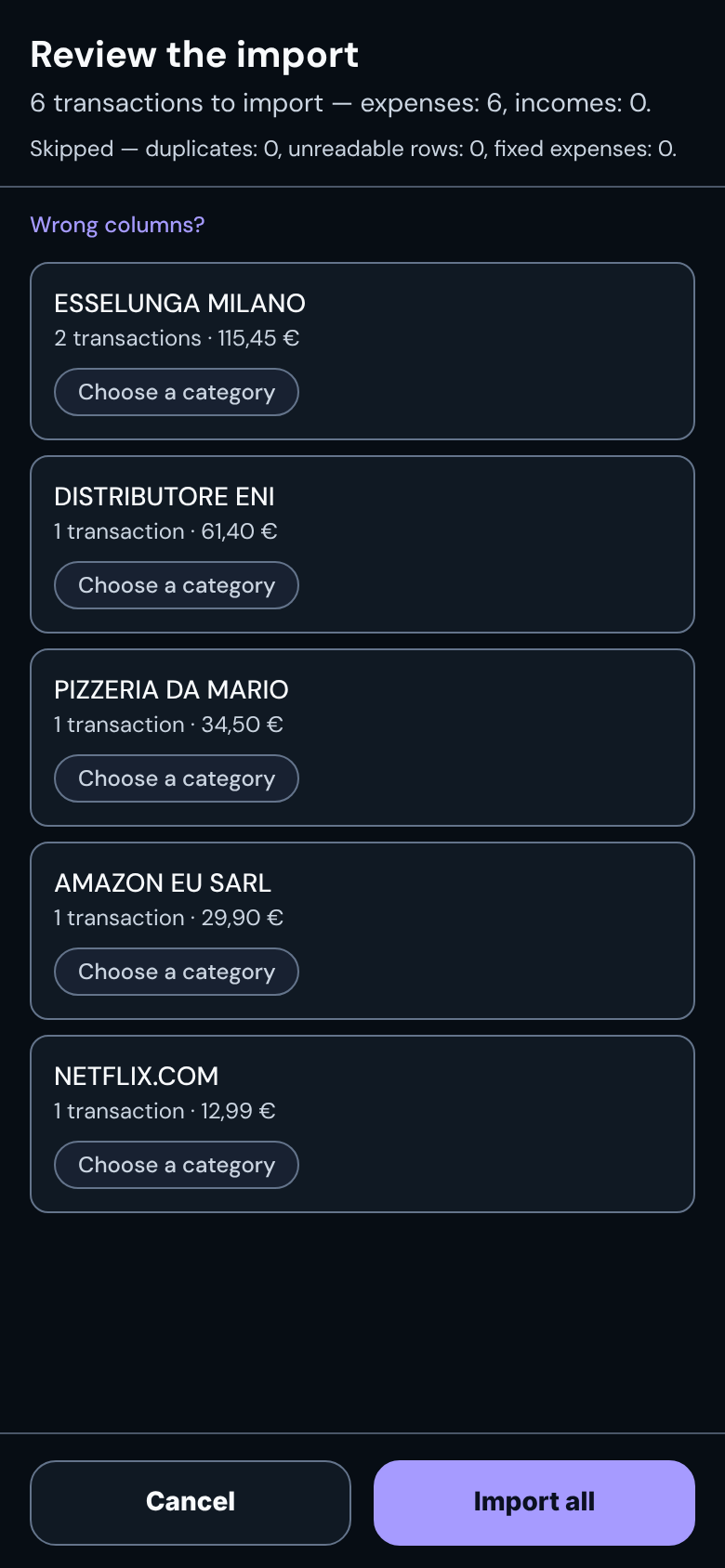
Import your bank’s CSV and Bada! finds dates and amounts, groups expenses by merchant and remembers their category. You review everything before saving.
And also:
A copy in the folder you choose
On first launch, or in Settings, choose a folder on your phone. Once a day, when you open the app, Bada! saves a complete backup there, replacing the same file. It stays there even if you uninstall the app.
On your new phone, tap “I’ve used Bada! before”, choose the folder and decide what to restore: settings, goals, fixed expenses and years.
To find it on your new phone, choose a folder synced with a cloud service, or copy the file over by hand. Without a folder there is no backup, and the app will remind you.
Worth knowing before you install it.
It is a personal project: no ads, no subscription, no account and no server collecting your data.
It does not connect to any bank. If your bank lets you download transactions as CSV, Bada! tries to recognise dates, descriptions and amounts. If it gets a column wrong, you can choose it yourself. If you have an Excel file, save it as CSV first. Banks use different formats, so not every format is guaranteed to work.
For the evening reminder, set to 20:00 by default and adjustable. It is local: the app schedules it on your phone. You can decline, and everything else works as usual.
Who makes it
I develop Bada! on my own, in Italy.
If something goes wrong, “Export diagnostics” appears at the bottom of Settings, but only if the app has recorded an error. It is a text file: you can read it before deciding whether to send it.
The first launch guides you step by step, and no step requires you to enter anything.
Get it on Google PlayIf it is not for you, uninstall it. There is no account to close.